Category: Blog
-
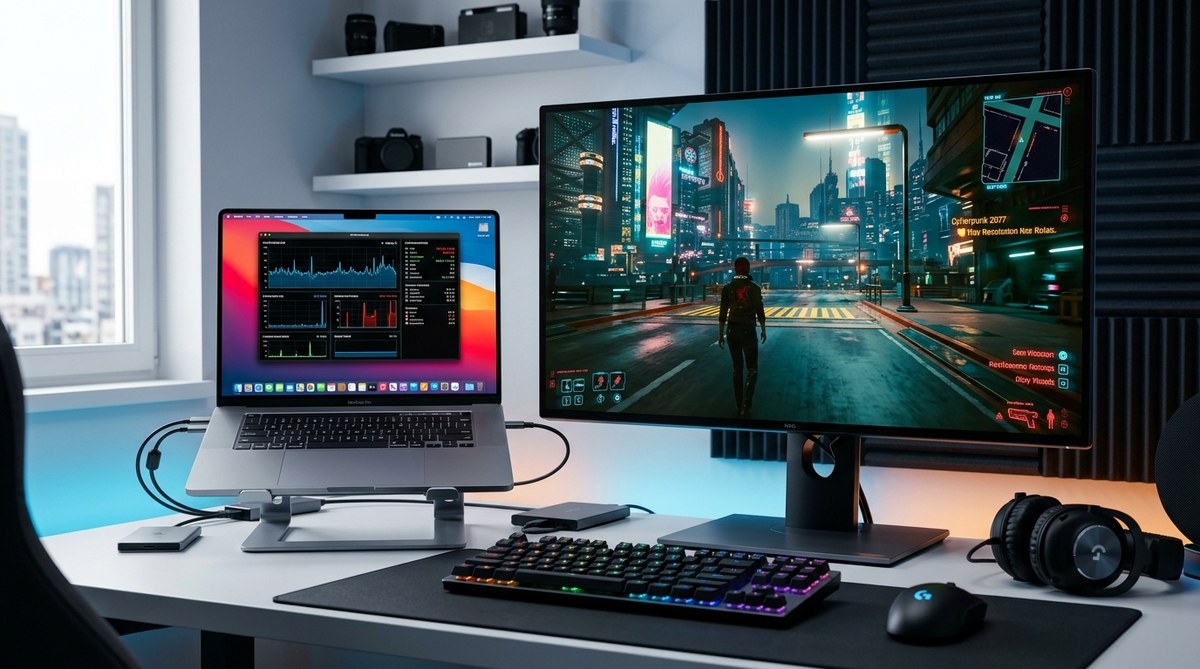
Performance Tips for Running AAA Games on Mac – macgames.org Gaming on a Mac has come a long way, but it can still feel like a puzzle when you want to run big budget AAA titles. The good news is you have a toolbox of practical tips that can squeeze more FPS, smoother frames, and…
-
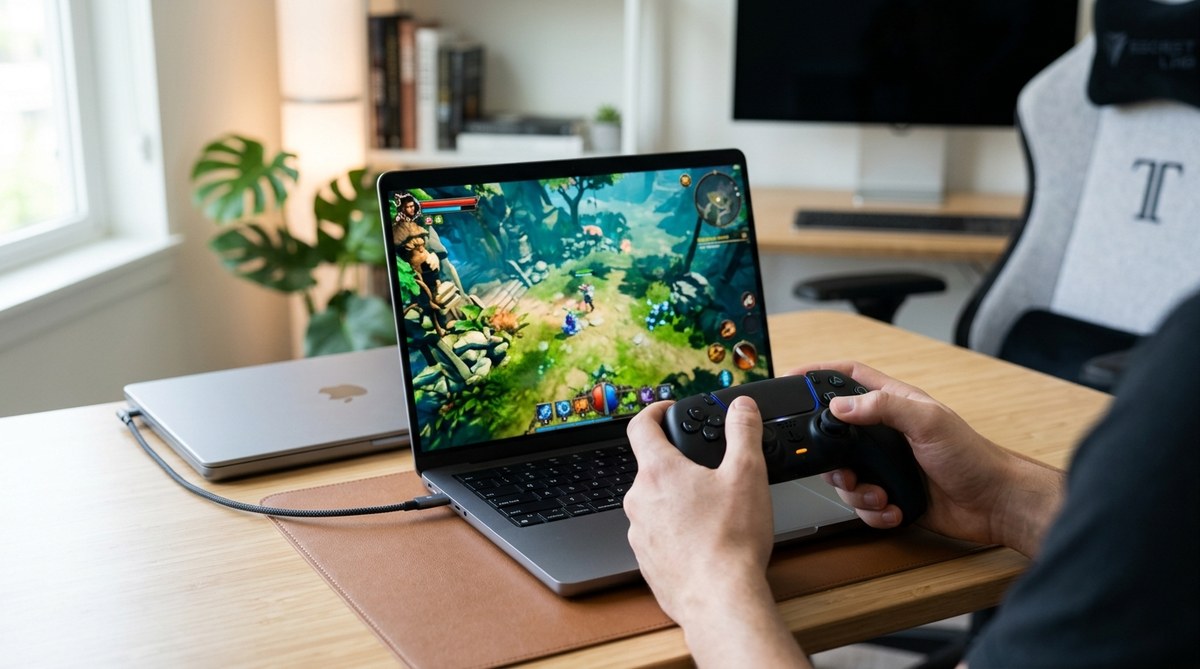
How to Use PS5 Controllers on macOS for Gaming Gaming on a Mac can be a surprisingly smooth ride once you map the right controls. If you love the feel of the PS5 DualSense controller and want to bring that comfort to macOS gaming, you are in the right place. This guide walks you through…
-
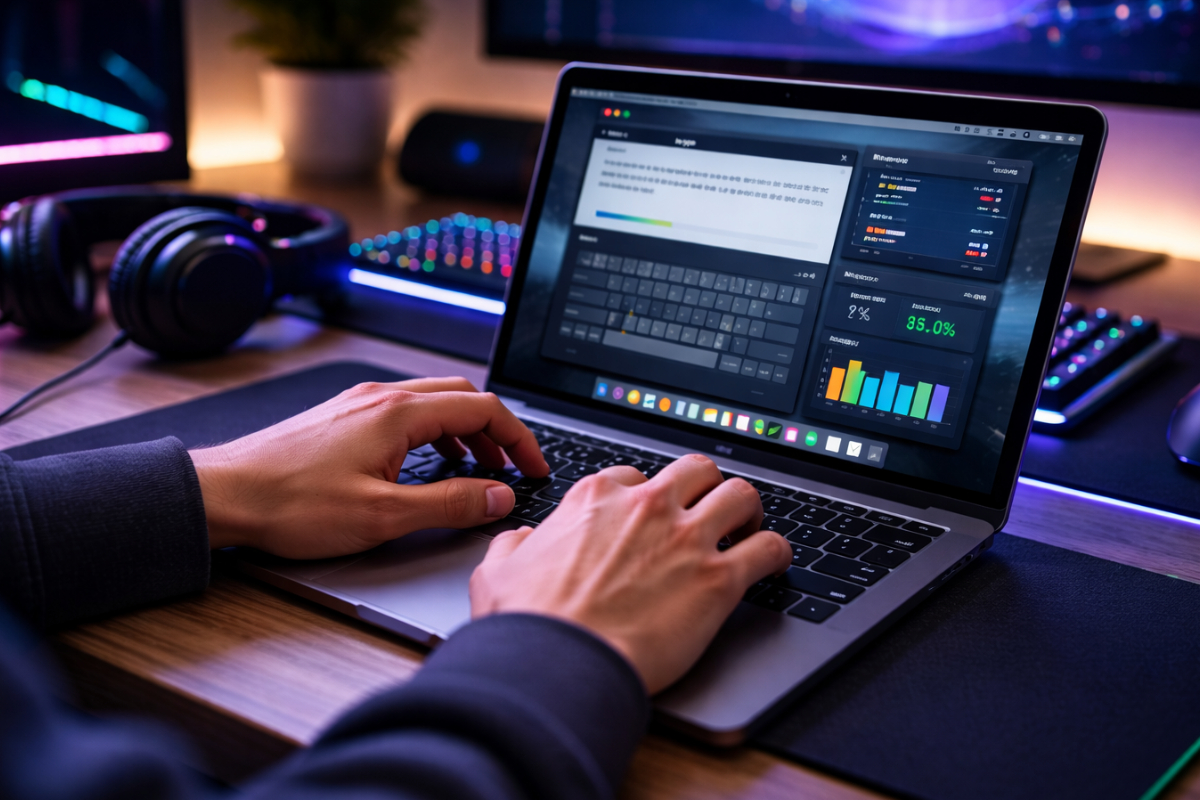
Ranked matches on Mac do not wait for you to settle in. The moment the loading screen fades, you are expected to perform. Your fingers must respond without hesitation. Your key presses must be deliberate and clean. A single mistimed ability, a delayed heal, or an accidental inventory open can shift early momentum. Many players…
-
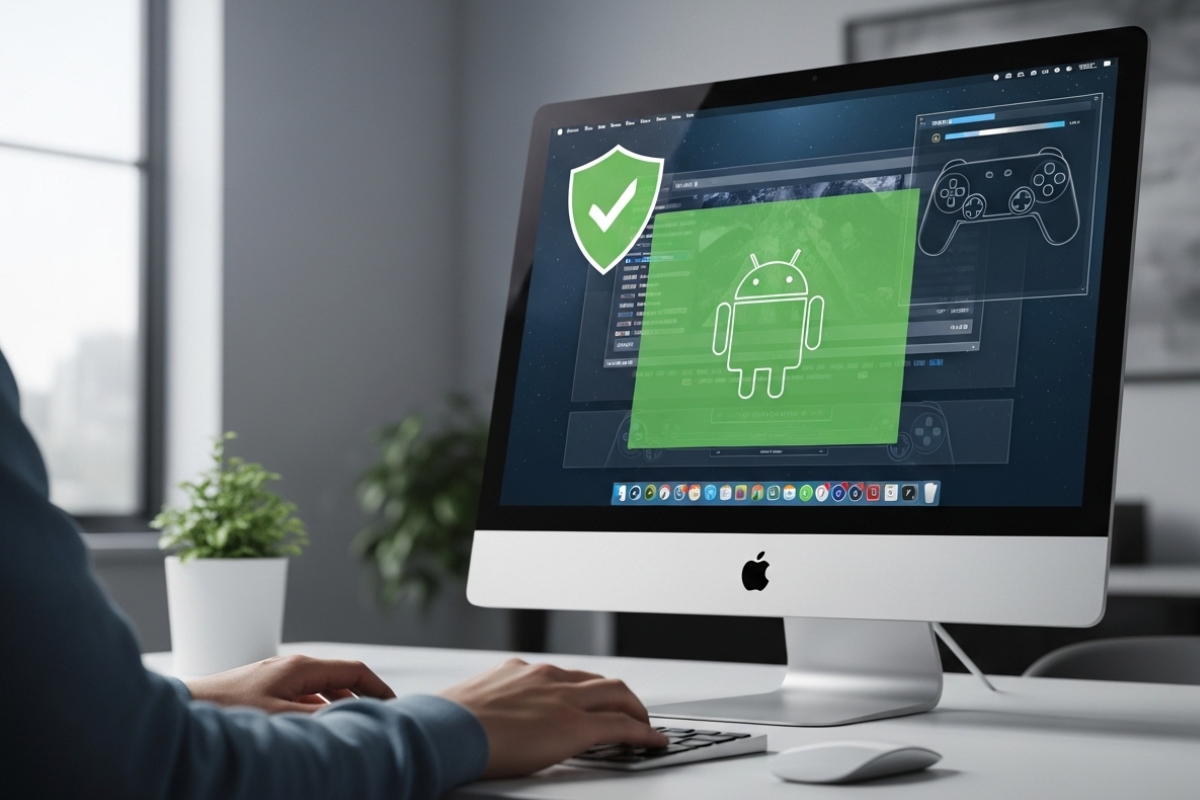
Mac gamers are used to working around limitations. Some titles arrive late. Others never arrive at all. Yet many Android games are creative, polished, and perfect for short sessions between heavier Mac releases. If you want to run Android games on macOS without wrecking performance or compromising security, you need the right emulator setup, smart…
-
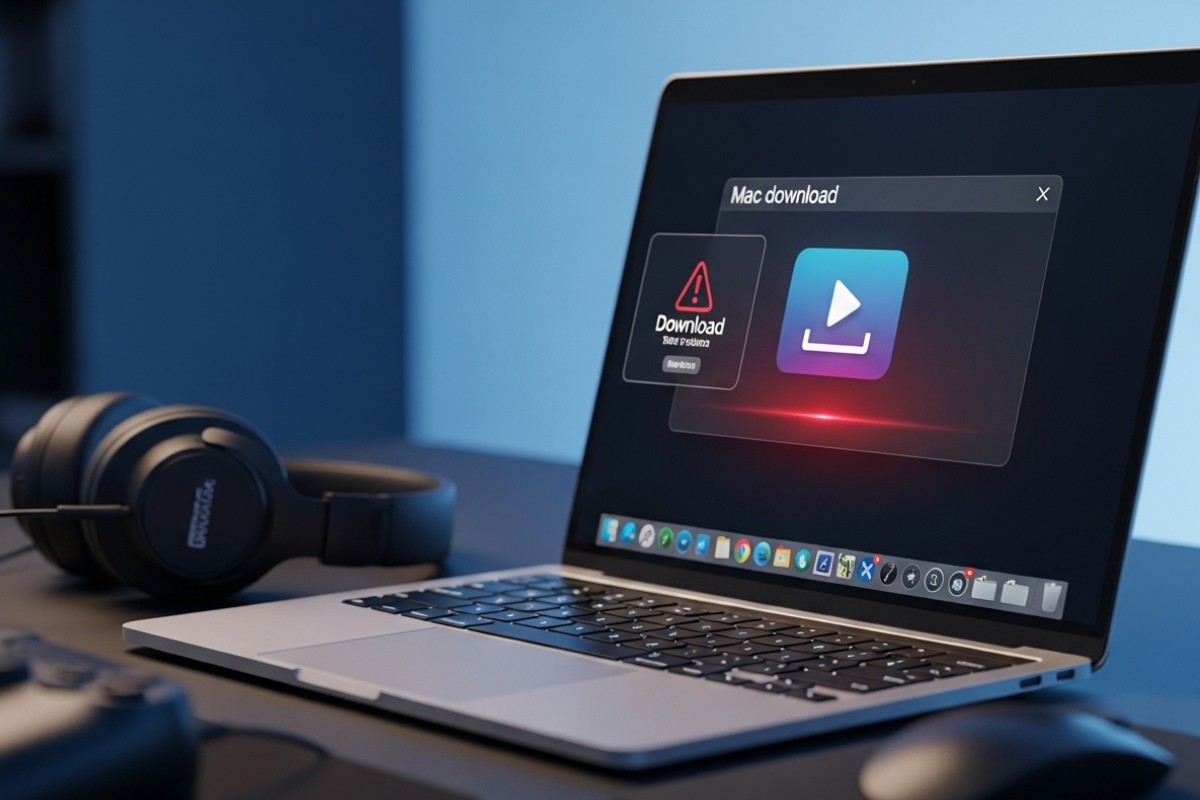
Mac gaming is no longer a niche hobby. It is a daily habit for players who tune their systems carefully, manage storage closely, and expect smooth performance every time a game launches. That balance is fragile. One careless download can quietly undo months of careful setup. Random video downloader installers are a common culprit. They…
-
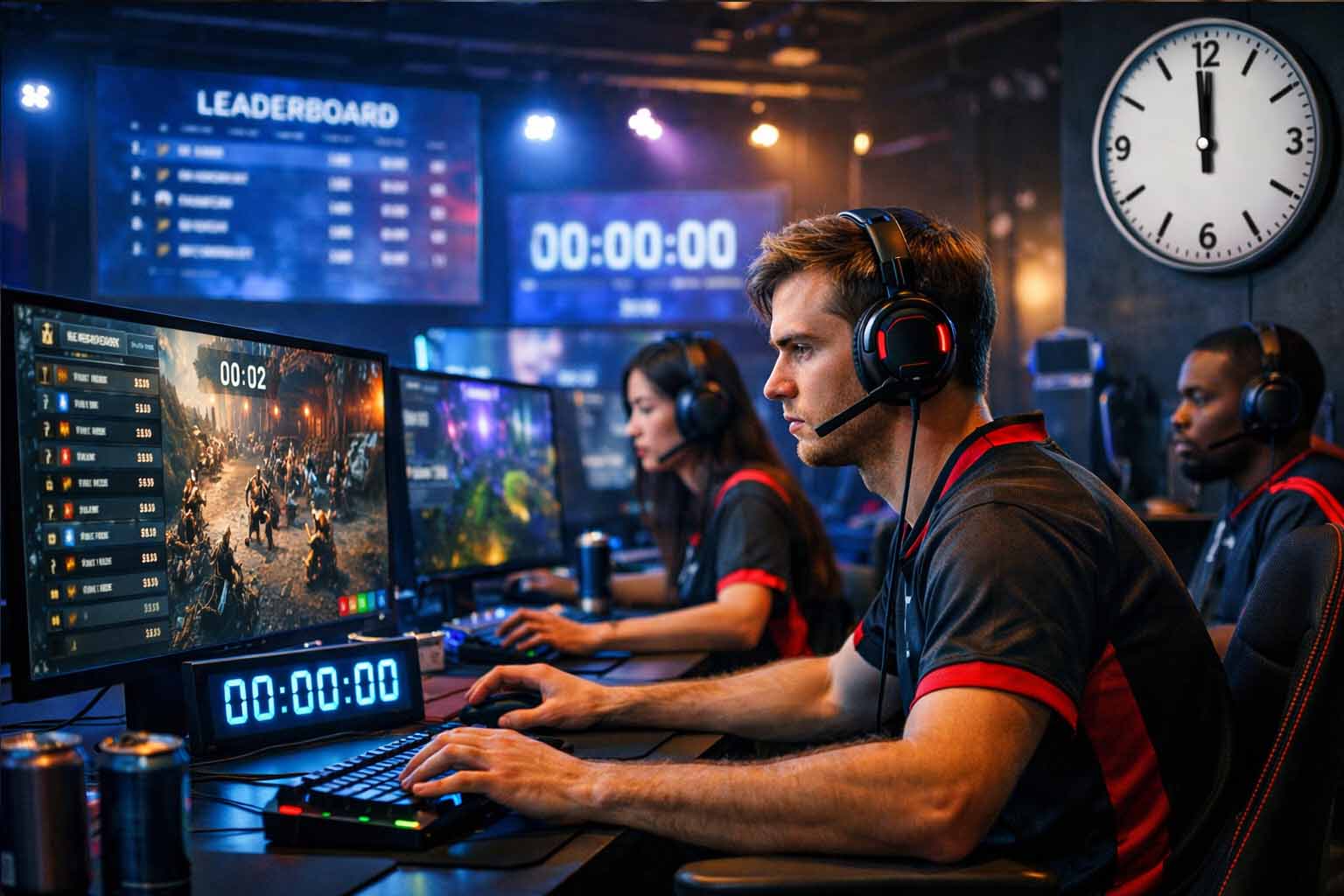
Online games live and die by timing. A leaderboard reset that fires early, a daily reward that unlocks twice, or a multiplayer event that starts at different moments for different players can shatter trust fast. These issues rarely come from gameplay code. They come from time. Clocks drift. Local settings differ. Daylight saving shifts sneak…
-
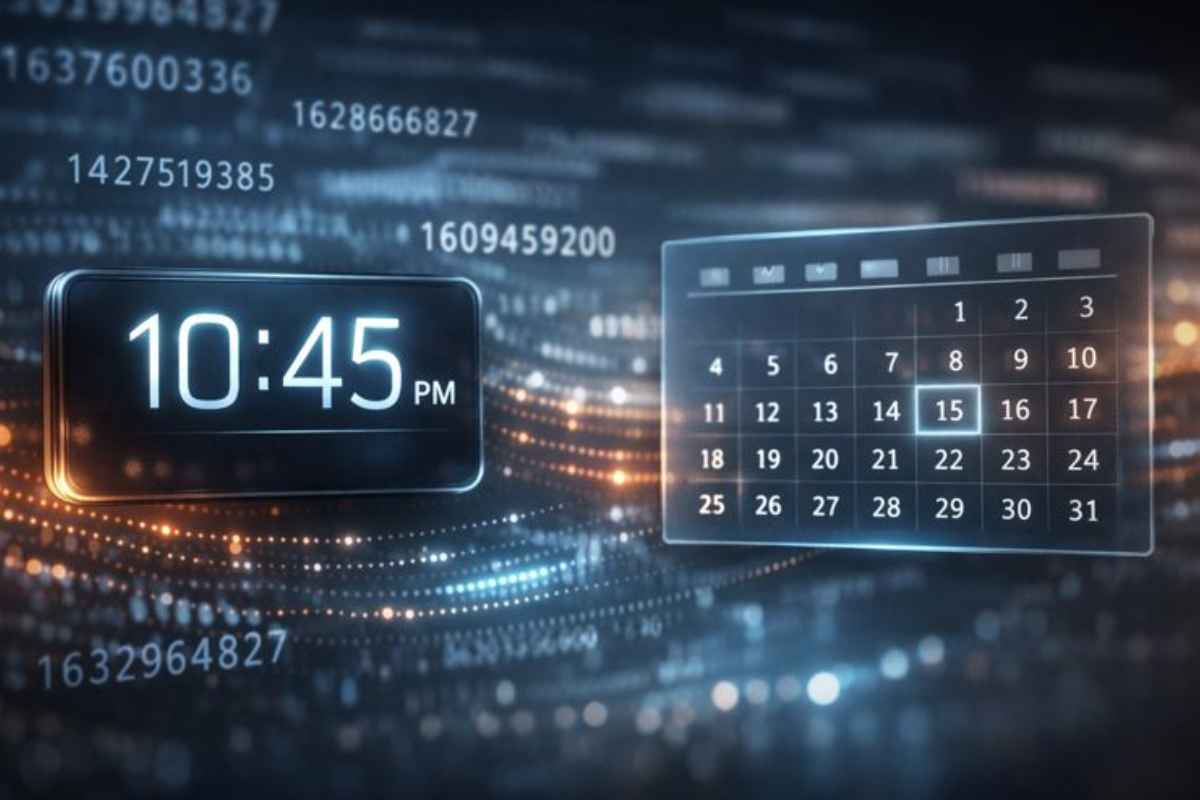
Time runs underneath every game, app, and server you use. Quietly. Constantly. Every save file, login, and crash report carries a number that marks when it happened. That number is usually a Unix timestamp. It looks strange at first. Just a long string of digits. Yet it represents a real moment that has already passed.…
-
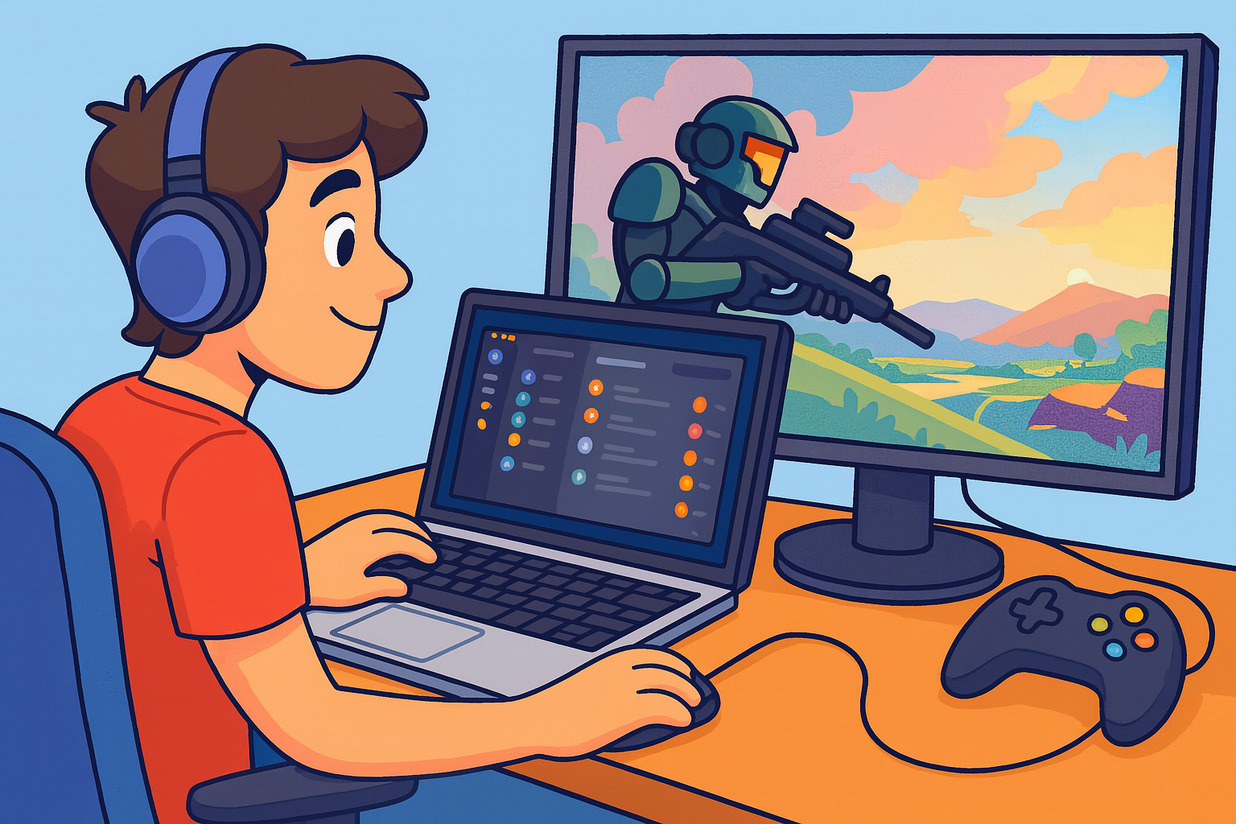
Why Discord Matters for Mac Gamers Using Discord on Mac for gaming is an excellent tool for gamers who want a more interactive and connected experience. It’s not just a simple chat application—it’s a platform that brings players closer to their friends and fellow gamers. For co-op and multiplayer games, clear communication and quick coordination…
-
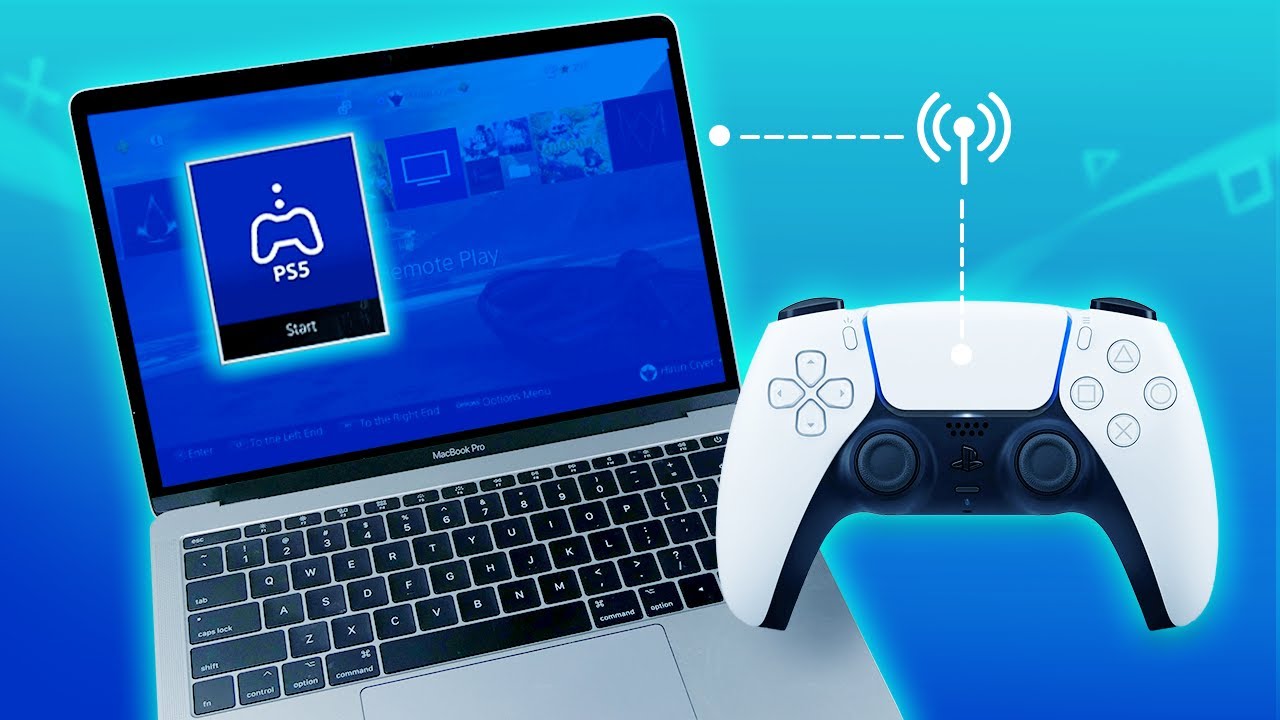
Why You Should Use a PS5 Controller on a Mac Connecting a PS5 controller to a Mac is an excellent way for gamers to enjoy a more comfortable and natural gameplay experience. While a keyboard and mouse work great for certain games, controllers feel more intuitive for racing games, adventure titles, and platformers, making the…
-
Boosting Performance and Comfort for Every Gamer The best Mac gaming accessories are essential for gamers who want to make the most of their playtime. Great hardware alone is not enough. The right accessories enhance comfort, boost performance, and improve the overall gaming experience. For serious gamers, every detail—from the right keyboard to high-quality audio—affects…
Search
Latest Posts
- GTA 6 Is Launching on PC First and What That Means for Mac Gamers
- The Best Puzzle Games Mac Gamers Can Play Between Sessions
- Performance Tips for Running AAA Games on Mac
- How to Use PS5 Controllers on macOS for Gaming
- Best Mac Games You Can Play in 2026
Categories
- Action Games
- Adventure Games
- Blog
- Editor's Pick
- Hidden Object Games
- Puzzle Games
- RPG Games
- Simulation Games
- Strategy Games